
1win Registration in India: Sign Up and Verify
Opening a 1win account takes a couple of minutes: sign up with an email address, a phone number, or a linked Google or Facebook account. Verification, when it’s needed, is usually tied to your first withdrawal rather than a separate hurdle at sign-up. Below, we cover every registration path, how to log back in, what happens if you forget your password, and who to contact if something goes wrong along the way.
Updated: July 2026.
Key takeaways:
- Three ways to sign up: email, phone number, or a linked Google/Facebook account.
- Verification is usually only requested around a withdrawal, and typically means a photo ID such as a Passport or Aadhaar card.
- Forgot your password? A reset link or code goes to your registered email or phone — no need to contact support for a standard reset.
- 1win does not currently offer 2FA or biometric login, so a strong, unique password matters.
- Support for sign-up issues is available 24/7 through live chat, email, or Telegram.
How to Register at 1win
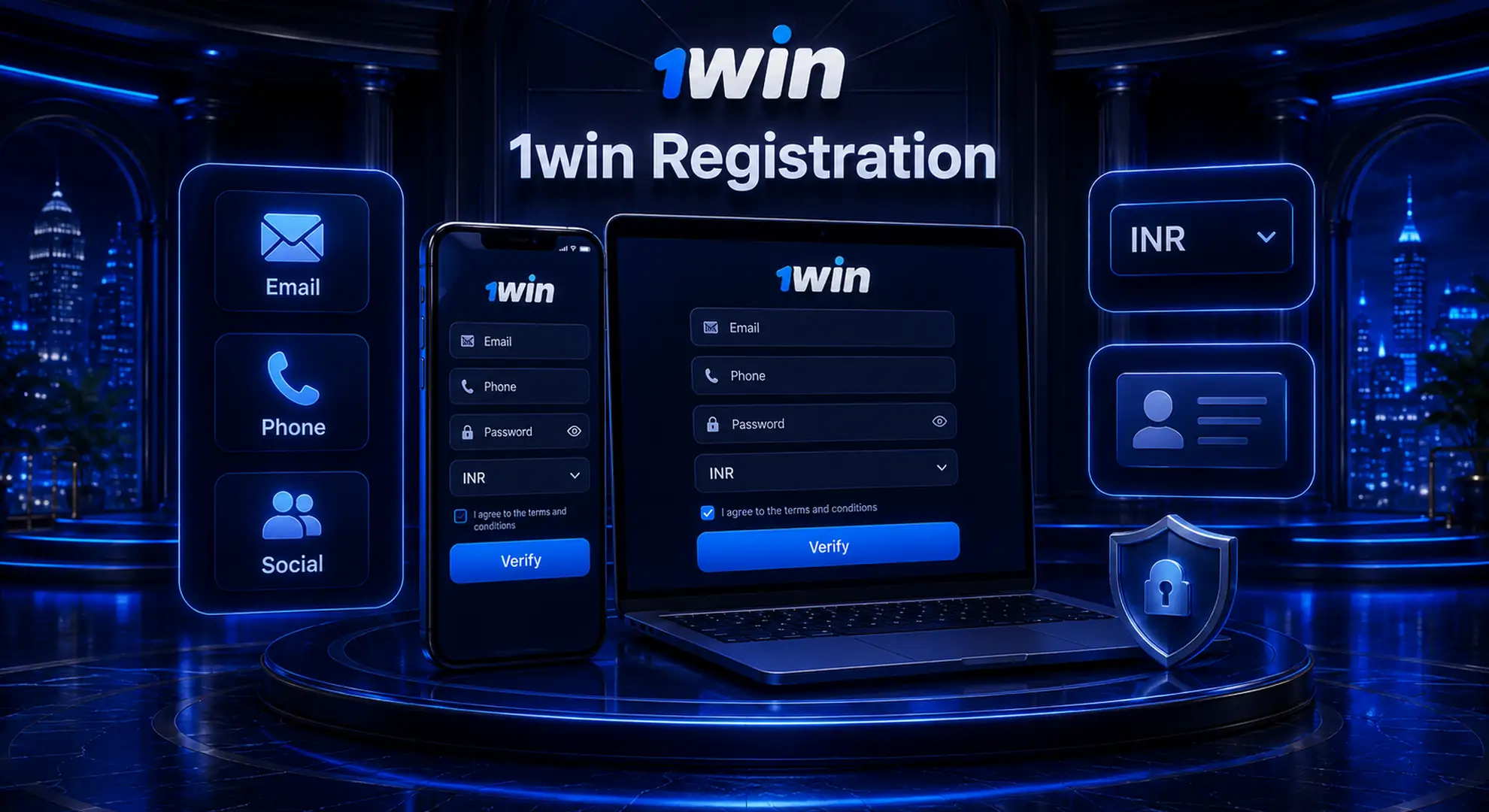
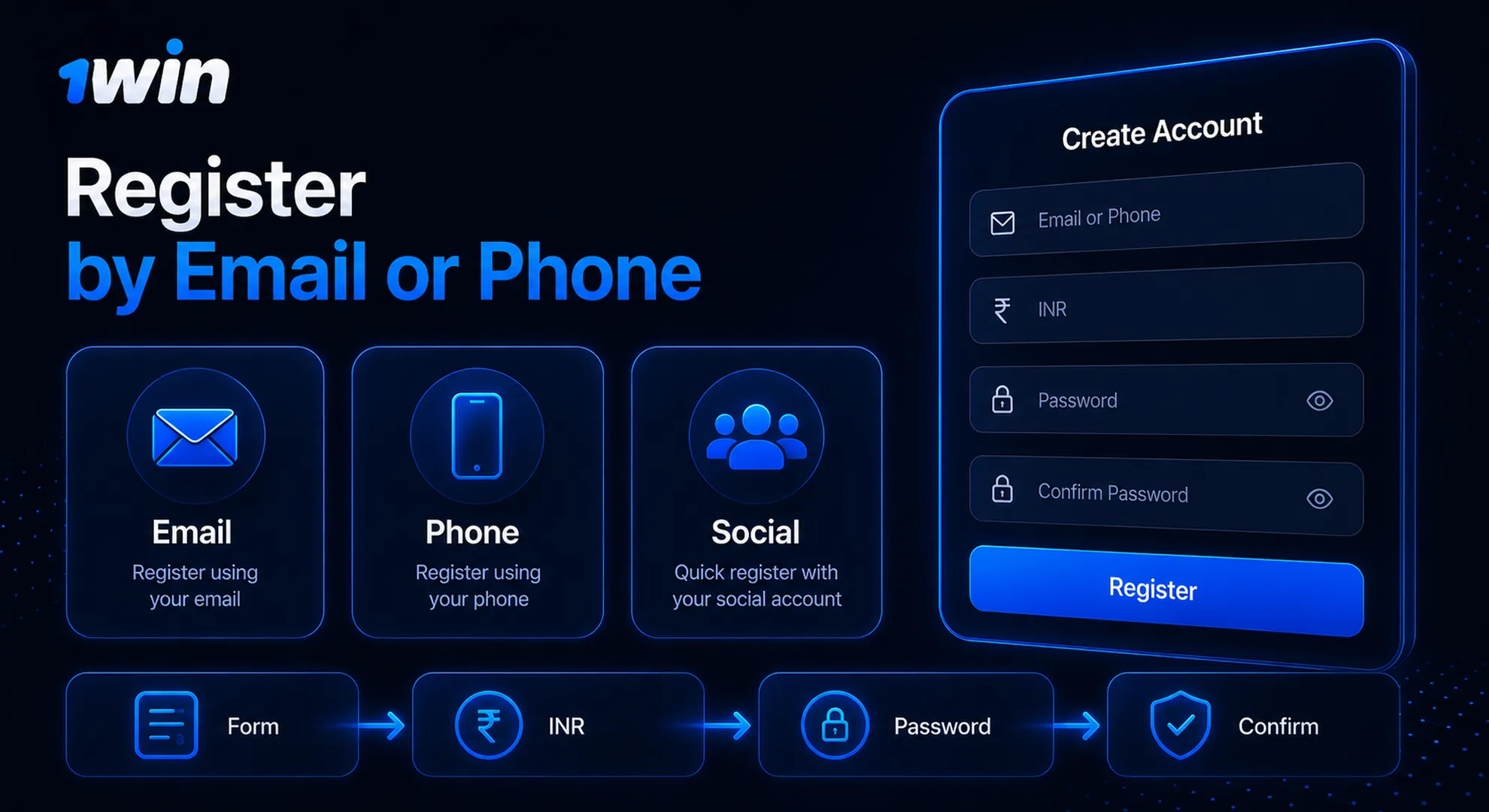
There are three ways to open a 1win account: with an email address, with a phone number, or by linking a Google or Facebook account. All three lead to the same account and the same dashboard, so the choice comes down to what’s most convenient for you. Email registration suits players who want a traditional login they can also use on a desktop browser. Phone registration is quicker on mobile, since confirmation happens by SMS instead of checking an inbox. Social login is the fastest of the three, though read the details below before picking it, since it changes how your password works.
Open the 1win registration page and select the Email tab.
Enter a working email address.
Set a password for your account.
Confirm your currency (INR is available) and submit the form.
Check your inbox for a confirmation link or code and follow it to activate the account.
Once confirmed, the account is ready to use immediately. Use an email you check regularly, since that’s also where a password-reset link will land later if you ever need one.
- Open the registration page and select the Phone tab.
- Enter your mobile number, including the country code for India.
- Request a confirmation code — it arrives by SMS within a minute or so.
- Enter the code and set a password.
- Submit the form to finish.
This path is popular with players who register straight from a mobile browser, since there’s no email inbox to switch to mid-signup. The registered number doubles as your login going forward, so keeping it active on the same SIM makes future logins easier.
Choosing Google or Facebook at sign-up links that account to 1win instantly, without a separate password to remember. Select the provider, confirm the linked account in the pop-up window, and the registration is done — no email confirmation or SMS code needed, since the provider has already verified that identity.
The trade-off is that your 1win login then depends on staying signed into that Google or Facebook account on the device you’re using. If you ever unlink it or lose access to that account, getting back in takes an extra step through support rather than a simple password reset.
Account Verification at 1win
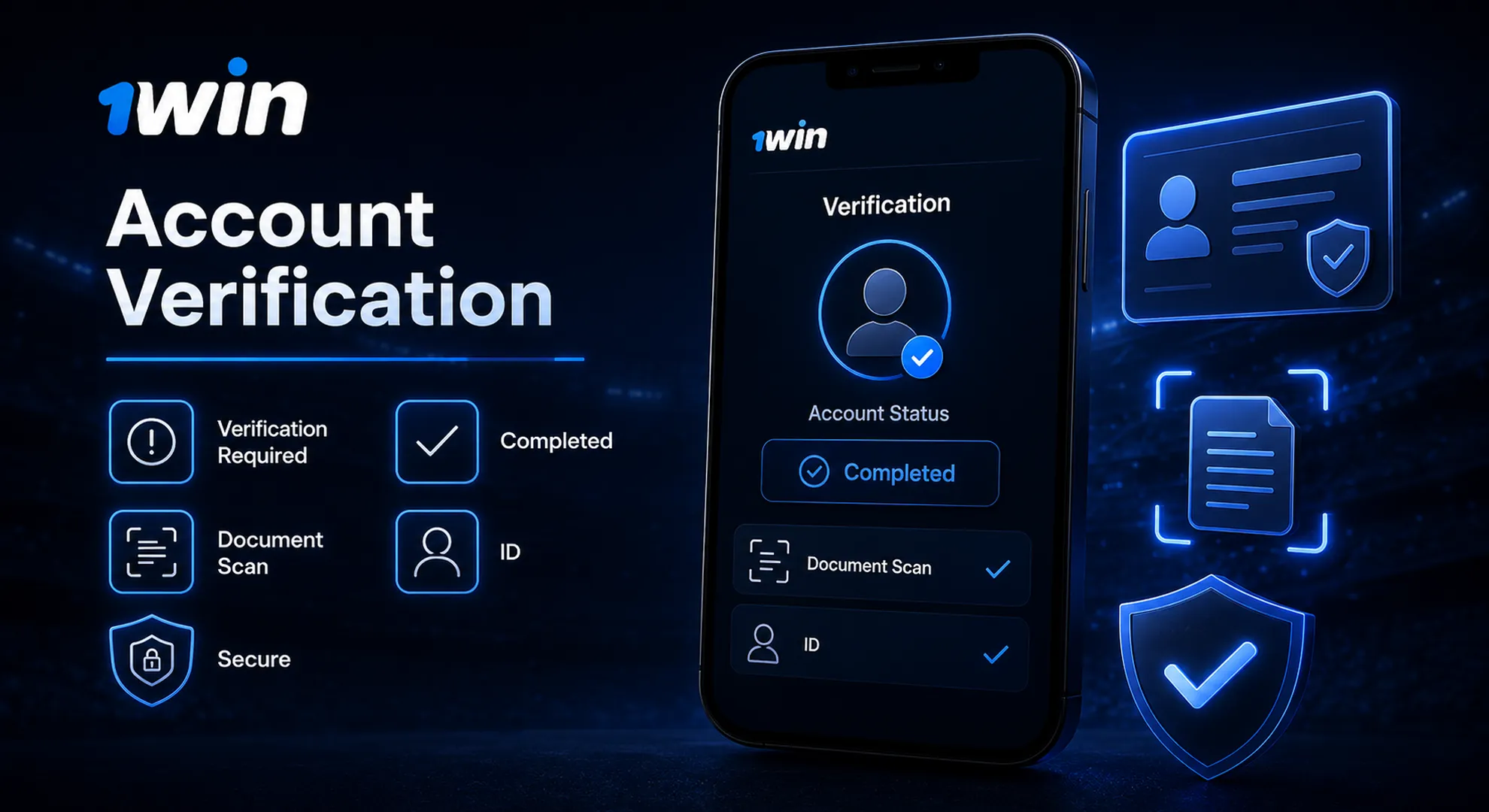
Verification at 1win is usually requested around a withdrawal and typically involves a photo ID, such as a Passport or Aadhaar card. You generally don’t need to upload anything at the moment you register — it becomes relevant once you try to take money out, or if the platform flags unusual account activity.
The process itself is simple: a photo of an accepted ID document, matching the name and details you registered with. Mismatched names or blurry scans are the most common reason a check takes longer than expected, so it helps to register with your details exactly as they appear on the document you’d use later. Larger withdrawal amounts or standard anti-fraud (AML) checks can trigger an additional review, and once you’re verified, the payment methods page covers current deposit and withdrawal options in full.
There’s no separate «verification fee,» and you won’t be asked to pay to have a document reviewed — if a message like that ever appears, it isn’t coming from 1win. Keep documents current too: an expired Aadhaar or Passport can hold up a withdrawal just as easily as a mismatched name, so it’s worth checking the expiry date before you submit one.
How to Log In to Your 1win Account
Open the 1win site, click Login, and enter the email, phone number, or social account you originally registered with. The site remembers which method you used to sign up, so logging in with the same one keeps things straightforward. If you registered by phone but try to log in by email, for instance, the system won’t recognize it as the same account.
Login on the site works the same way on mobile browsers and desktop. The same credentials also work in the 1win app, so there’s no separate app-only account to set up.
Select «Forgot password» on the login screen to receive a reset link or code at your registered email or phone number. Follow it, set a new password, and you’re back in — no need to contact support for a standard reset.
If you no longer have access to that email or phone number, a password reset link won’t reach you, and that’s the one case where support needs to step in manually to confirm your identity before restoring access. Keeping your registered contact details current avoids this altogether.
Who Can Register — Requirements and Eligibility
You must be 18 or older, provide accurate personal details, and keep to a single account to register at 1win. These aren’t formalities — they’re the same obligations spelled out in our Terms & Conditions, and they matter most at the verification stage, where mismatched or inaccurate information is the main reason a check gets delayed.
A few practical points worth knowing before you sign up:
- One account per person. Registering a second account, even with different details, isn’t permitted.
- The name, date of birth, and contact details you register with should match any ID you’d later use for verification.
- Registration is not available to anyone under 18, regardless of region or currency selected.
Responsible play matters here too. Registration should be a considered decision, not an impulsive one, and it’s worth setting personal limits on time and spending from the start rather than after the fact.
Is My Information Safe When I Register?
Registration data is protected with SSL encryption, the same standard used for financial transactions on the site. 1win does not currently offer two-factor authentication (2FA) or biometric login such as Face ID, so account security still comes down to your password and your verified email or phone number.
That’s not a minor detail to gloss over: it means choosing a strong, unique password matters more here than on services with an extra login layer. Avoid reusing a password from another account.
1win Customer Support for Registration Issues
1win offers 24/7 live chat, email, and Telegram support for registration, login, or verification problems. Live chat is generally the fastest route for something urgent, like a confirmation code that never arrived or a document that was rejected without a clear reason.
Email and Telegram work well for anything that needs a screenshot or a longer explanation — a mismatched name at verification, for example, or trouble linking a social account. Whichever channel you use, having your registered email or phone number ready speeds things up, since support will need it to locate the account. There’s no dedicated phone line for account issues at the moment, so treat live chat as the default first step rather than searching for a call center number.
FAQ
Is there a welcome bonus for registering?
Yes, but it’s generally tied to your first deposits rather than registration alone — the bonus activates once you fund the account, not the moment you sign up. Check the promotions page for the current terms before assuming a specific amount.
Do I need a promo code to get it?
Not always. Some welcome offers apply automatically on your first deposit, while promotional codes from partners can add extra terms or a different offer. If you have a code, enter it during registration or your first deposit rather than after.
Can I switch from one login method to another later?
Not directly. Your account is tied to whichever method — email, phone, or social — you used to register. If you’d like to add another method for convenience, contact support rather than trying to register a second account.
My ID doesn’t quite match my registration details during verification. Does that block me?
Small mismatches, like a shortened name or an old address, can slow down a check. Contact support with the document in hand — they can usually resolve minor discrepancies without you needing to re-register.
How long does verification usually take?
It depends on the volume of requests and how clear the submitted document is, but most straightforward checks are resolved within a day. Blurry scans or mismatched details are the main cause of delays.
Does 1win use 2FA or biometric login?
Not yet. Login currently relies on your password and your verified email or phone number, so it’s worth using a password you don’t reuse elsewhere.
Updated:
Tested by the editorial team